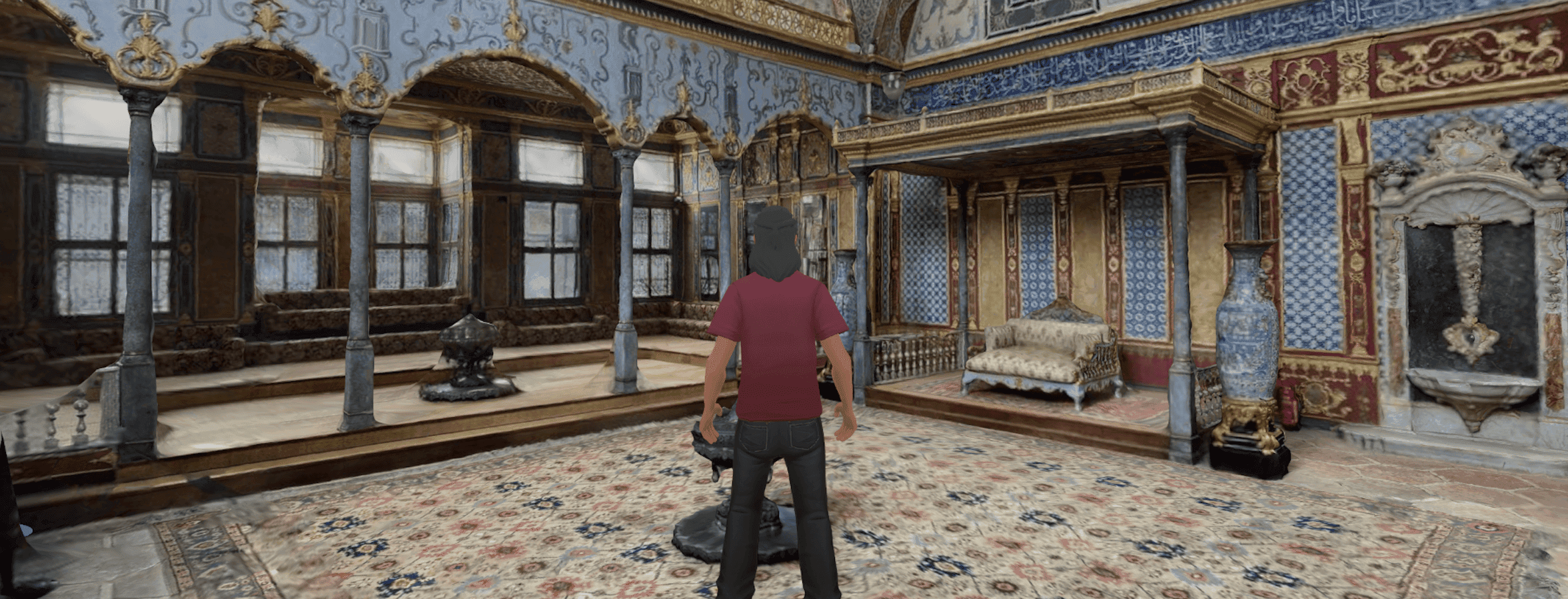
The new Metasteps is here!
With Metasteps, the content you already have works inside 3D, seamlessle.
Moodle in 3D, custom templates, and a steadier platform
If you've ever asked a teacher to move their course material into a new tool, you already know the answer. They won't. Not because they don't want to but because they can't afford the time.
That's the problem Metasteps set out to solve with its new release.
Convex is the largest update we've shipped to Metasteps yet. It's built around one principle: the content educators and creators already have should work inside 3D, seamlessly.
Three things make that a reality:
- a deep Moodle integration
- user-uploaded space templates
- a long list of platform improvements that make everything else feel better.
Here's what's inside.
1. Moodle, inside Metasteps
For most schools and universities, Moodle is where the courses live. Pages, SCORM packages, H5P interactives, assessments, all of it sits behind a Moodle login. Until now, getting any of that into a 3D space meant rebuilding the course from scratch.
Metasteps changes that. Our users can now connect their Moodle account directly to Metasteps, browse their courses from inside the dashboard, and sync their resources into the Metasteps library with a couple of clicks. Pages, SCORM, H5P, everything comes across intact.
The second half of the integration is the one that students experience, or rather don’t. We built a transparent flow on top of Moodle, so when a student opens a space that includes Moodle content, they're logged in automatically. No second password screen or "please sign in to view this course." The content is just there.
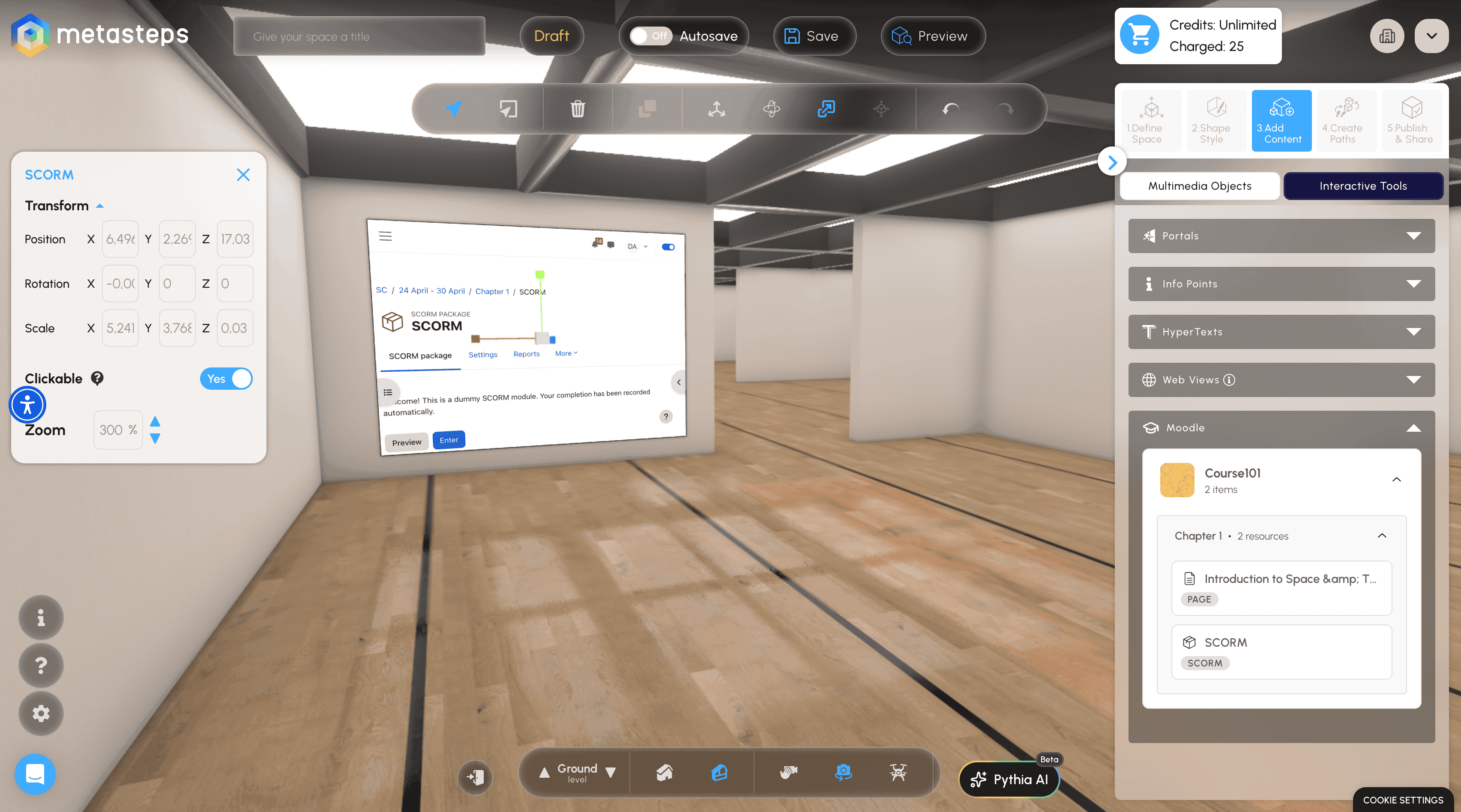
If you run an educational district, this is the moment to take a serious look at immersive learning. The "but our content is on a different platform, it would take ages to recreate it in 3D" objection, the one that stopped you in the past, is gone.
2. Build a space on your own 3D model
Until now, every Metasteps space started from one of our premade templates or from scratch by using the manual editor or Pythia, our AI editor. That works well for getting people up and running, but what if a user knew exactly which space they want to upload their content on?
With this release, Metasteps users can upload their own GLB models and use them as the foundation for a space. Bring a virtual campus, a custom showroom, a stylized world, whatever you've modeled, and build on top of it. We handle the optimization and transformation into a 3D space, you focus on what goes inside it.
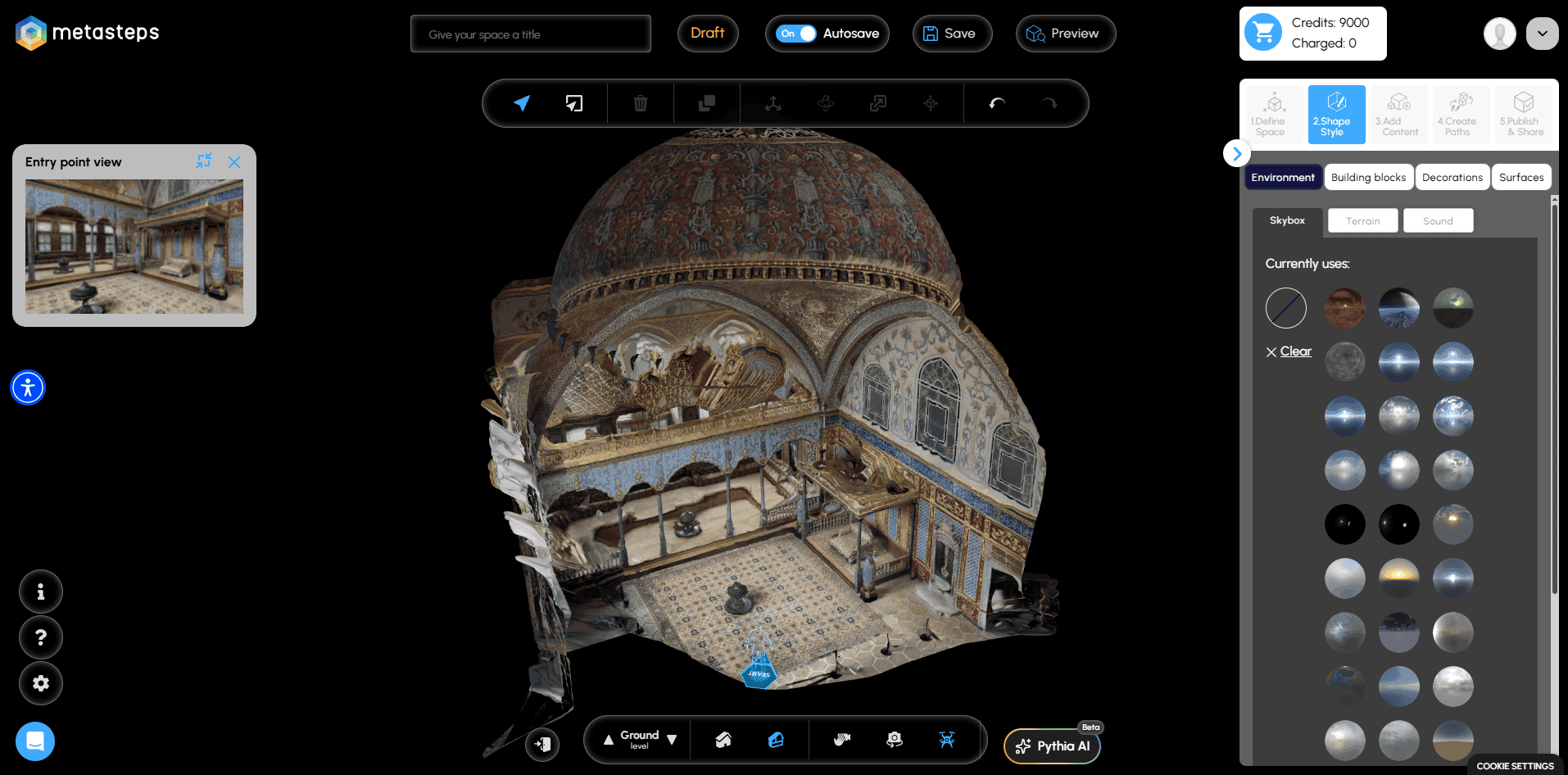
This is a big change towards the platform we have imagined Metasteps can become. One obstacle down: the library is no longer the ceiling.
3. A platform that feels sharper everywhere
A release is more than features. A meaningful chunk of our time and effort went into the kind of work that doesn't get its own marketing line but shows up every day:
- Avatars load reliably and stop disappearing mid-session.
- Publishing no longer breaks; we now run validations before saving, not after.
- Password reset works from the profile page.
- Error tracking is now fully automated so that when something goes wrong, we fix it faster.
What's next
Our latest release is the foundation for a lot of what's coming next. With Moodle integration in place, the obvious next steps are deeper assessment workflows, more LMS partners, and richer ways to use existing course content as the spine of a 3D experience.
For creators, custom templates open the door to innovative, unique spaces that don't look like everybody else's.
We'll have more to share on both fronts in the coming months.
Get started
The new Metasteps is live for all Metasteps customers today.
- Educators: Open your district dashboard and look for the new Moodle connection settings.
- Creator Pro and Business users: Head to the templates section and try uploading your own GLB.
- Everyone else: Just open a space, the platform improvements are already there.
We'd love to hear from you what you will build with Metasteps or which LMS integration should come next. Don’t forget to write.